
 [gtranslate]
» Installation Guide of Koason Android Screen Display Upgrade Apple CarPlay For BMW 5 Series F10 F11
Koason Android Screen Display Special for BMW 5 Series M5 F10 F11 F07 (2010-2012) CIC
Koason Android Carplay upgrade Special for BMW 5 Series M5 F10 F11 F07 (2013-2016) NBT
Koason Screen replacement Special for BMW 5Series M5 F10 F11 F07 (2017-2019) EVO
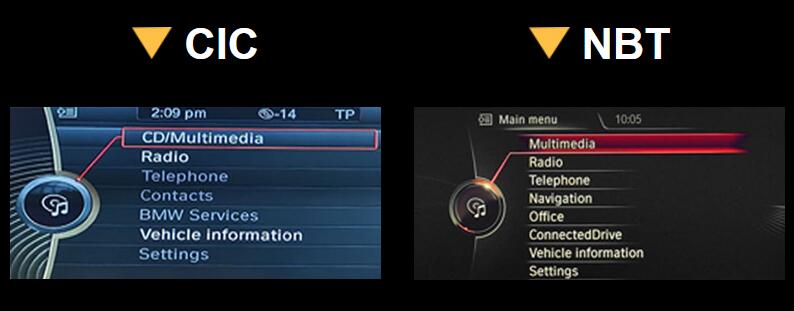
The installation is similar to our other screen, that is plug and play, no need to cut the wires, no coding, or other operation.
1.Pry up AC vent panel. 2. Unscrew the screws of original screen and CD.
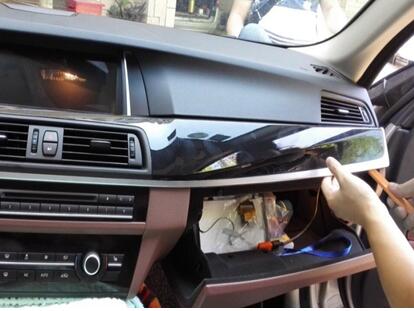
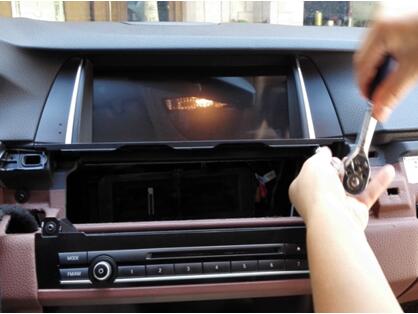
3.Take off the screen. 4.Pry up original CD panel.
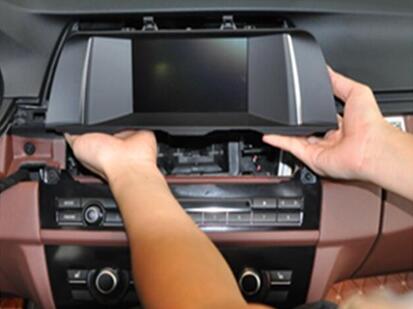
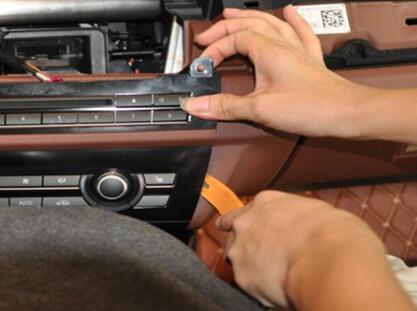
5.Unplug the wire of original CD panel and take off panel. 6.Unscrews 2 screws beside CD and take out CD.
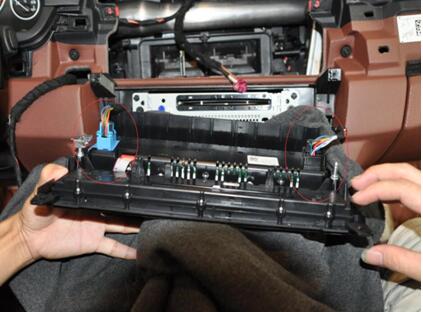
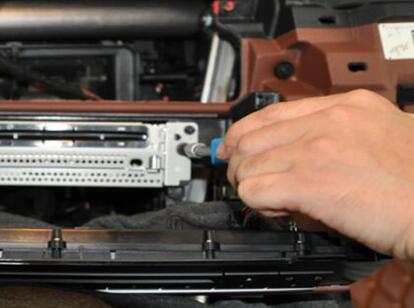
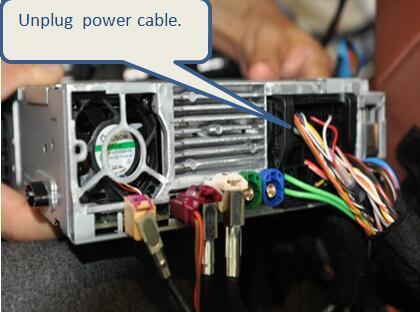
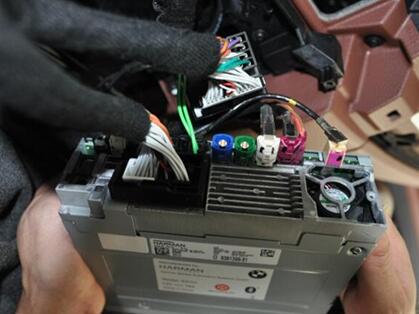
7.Unplug power cable. 8.Connect power cables together,plug original power
cable into the female socket of android power cable.*

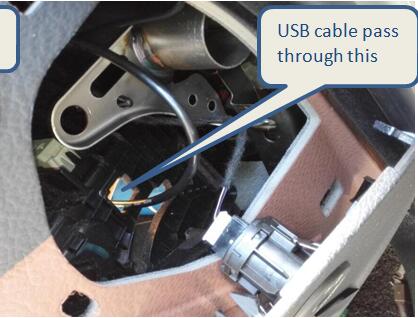
9.Plug power cable into original CD. 10.Put USB cable into container,bring cable
passing through right SRS cover.*
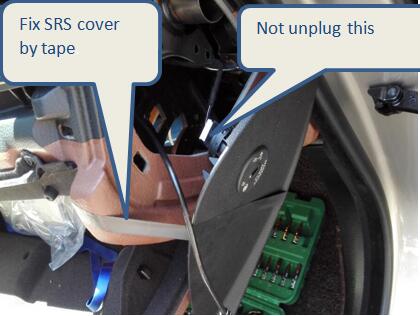
11. USB cable into container,and put SRS cover back. 12.Plug the flatcable of original CD panel,
put panel and CD back, don’t screw it now.
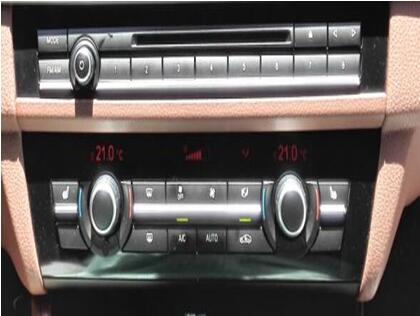
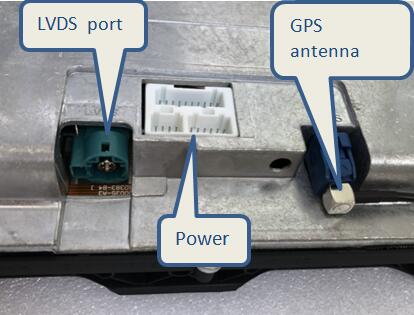
13.Connect original LVDS cable to unit LVDS port, 14.Power on car, check if android unit has sound or not*
plug power cables of android unit*
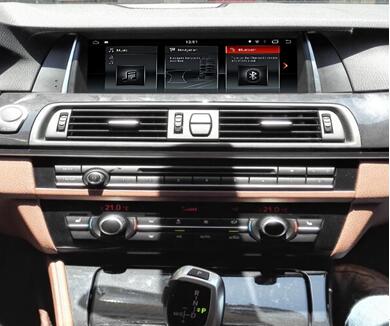
15.Put back CD panel, AC vent trim and android unit,screw up and finish installation.
NOTE:
8. Original fiber cable switch to android male plug.
10.Fix SRS cover by tape,not unplug flat cable.or else SRS fault code will show up.
13.GPS antenna installed onto the rear windscreen.
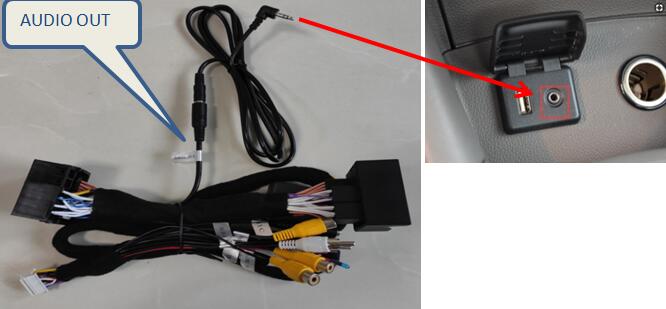
14.If it has sound, no need to check next step, if no sound, please connect “Audio out”cable into AUX input,check sound again and power off unit if has sound.