[gtranslate]
» Installation Guide of Koason Android Screen Display Upgrade Apple CarPlay For BMW 3 4 Series (M3 F30 F31 F32 F33 F34 F36 F80 F82 F83 F84)
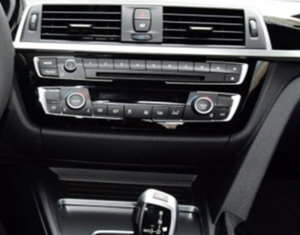
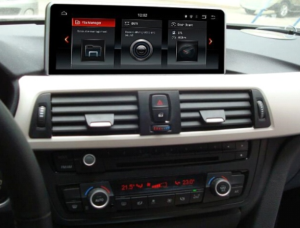
The guide is suitable for BMW 3, 4 series.
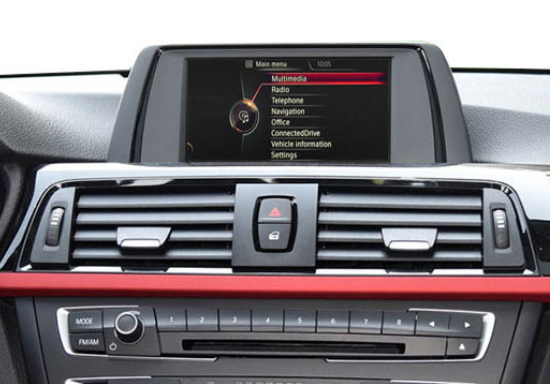
For BMW 3 series F30/F31/F34 BMW 4 series F32/F33/F36 with NBT menu, you can order 10.25” or 12.3” screen.
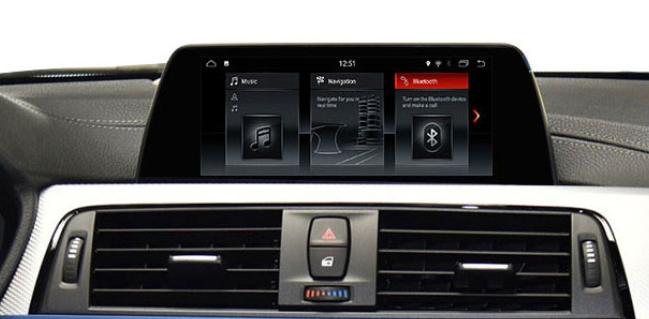
For BMW 3, 4Series Original EVO menu, not having a factory touch screen , and you can also order 10.25” or 12.3” with EVO type in the shop goods menu.
NBT EVO
1.Pry up AC vent panel 2.Remove AC vent panel
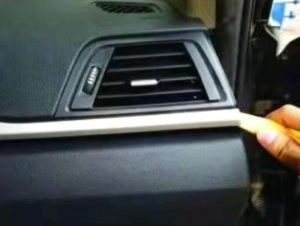
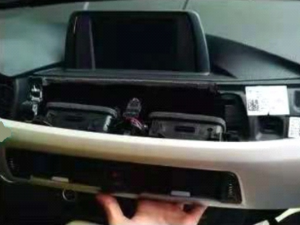
3.Take off flat cable of AC panel 4.Pry up the trim cover below CD
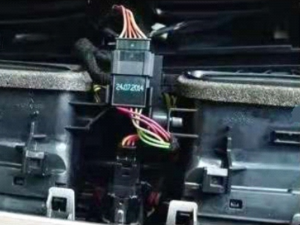
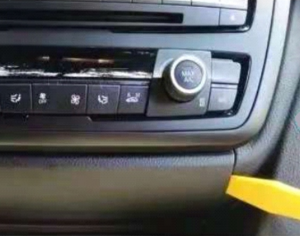
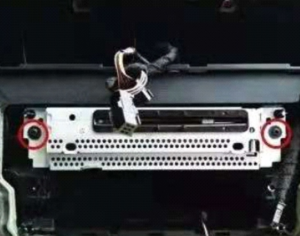
5. Remove flat cable on trim cover 6.Take off the screws
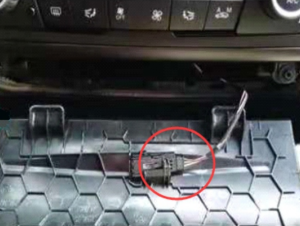
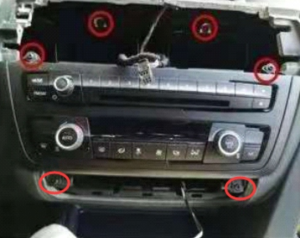
7.Remove the screen and take off LVDS cable 8.Plug off flat cable from CD panel
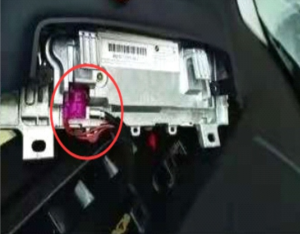
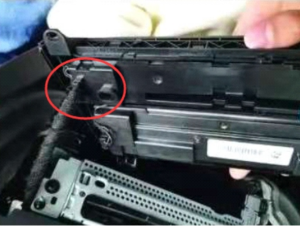
9. Remove screws on CD 10. Unplug power cable on CD
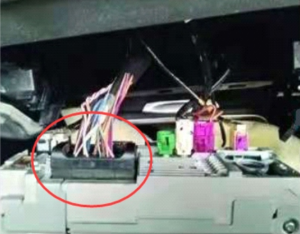
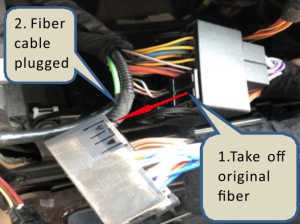
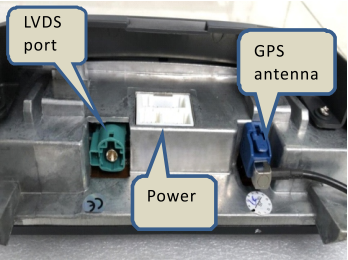
11.Connect power cables together,plug original 12.Connect original LVDS cable to unit LVDS port,
power cable into the female socket of android power cable. plug power cables of original CD and android unit
13.Connect flatcable of CD ,CD panel,trim cover, AC vent and put back 14. Installation finish