[gtranslate]
» Installation Guide of Koason Android Screen Display Upgrade Apple CarPlay For Benz C Class W204 S204
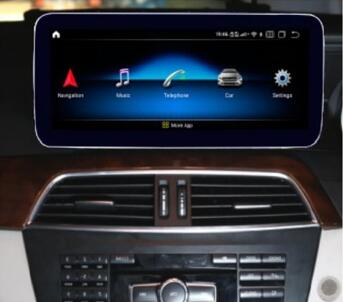
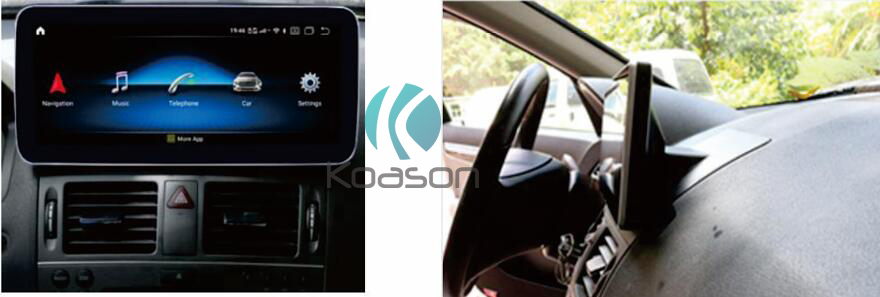
Koason Android Screen Display Special for Mercedes Benz C class W204/S204 C180 C200 C220
C250 C300 C350 C320 CDI C63 (2007-2010) NTG4.0
Koason Android Screen Display Special for Mercedes Benz C class W204/S204 C180 C200 C220
C250 C300 C350 C320 CDI C63 (2011-2013) NTG4.5
10.25inch display or 12.3inch screen is optional for LHD (left hand driving cars), RHD (Right hand driving cars)
2008-2010 2011-2014
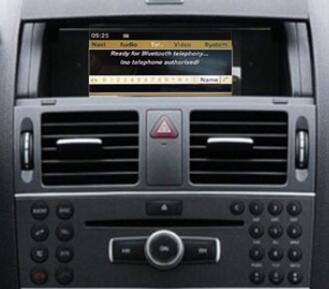
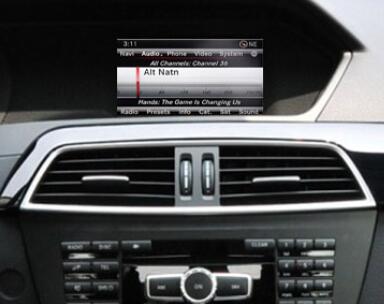
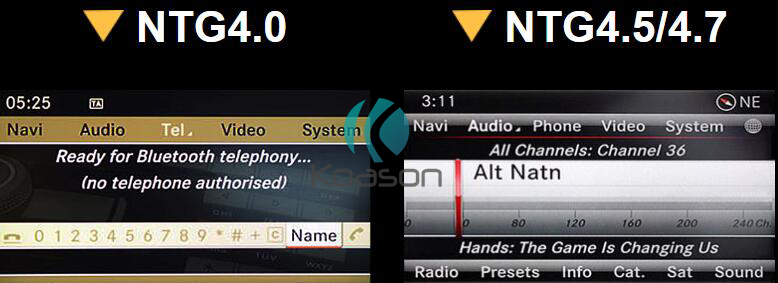
Please check the system clearly for your car and choose it in our shop menu.
The installation is similar to our other screen, that is plug and play, no need to cut the wires, no coding, or other operation.
Let’s get started!
1.Original radio 2.Use crowbar to prize up the AC
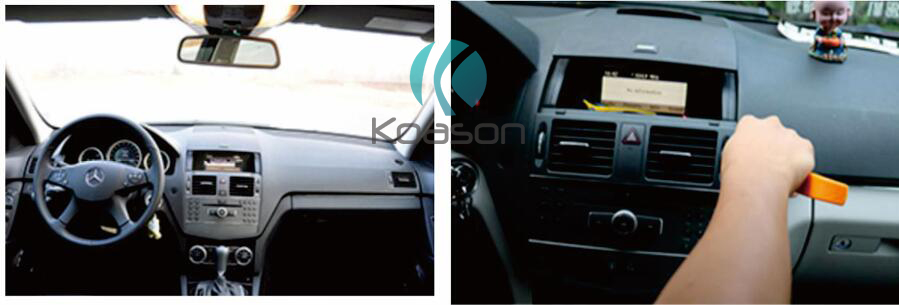
3.Unplug the AC cables 4.Remove fix screws of monitor
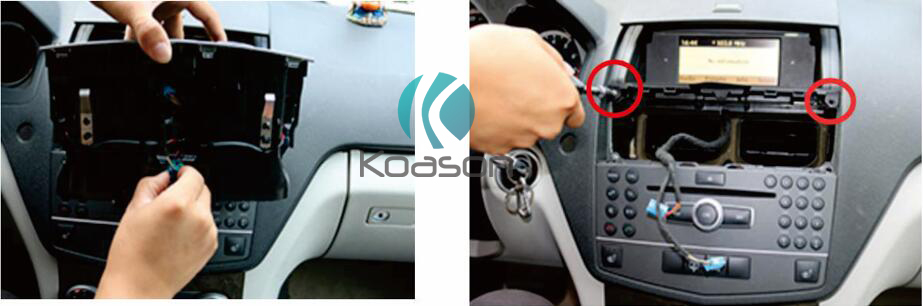
5.Pry up the monitor 6.Take the monitor out
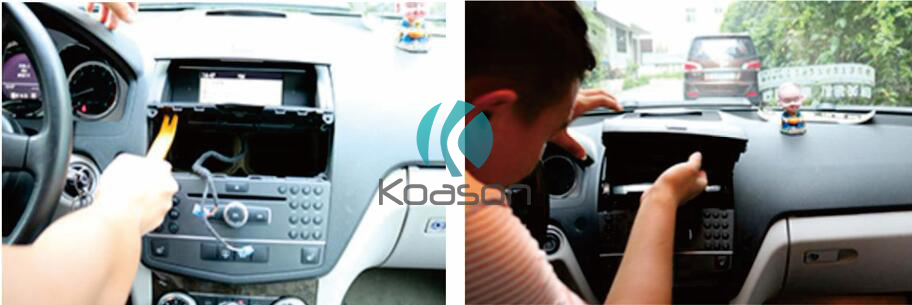
7.Remove screws of CD
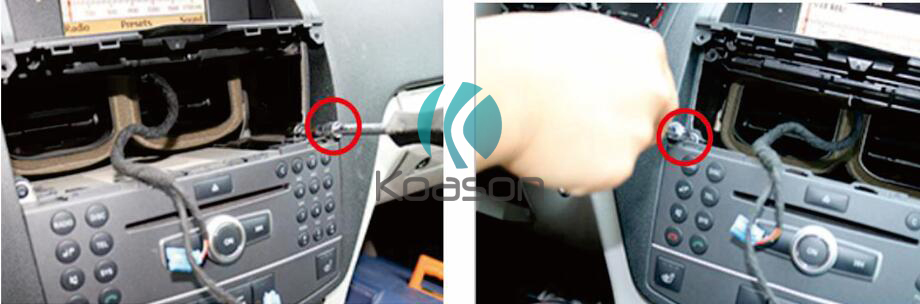
8.Pry up the clock on CD
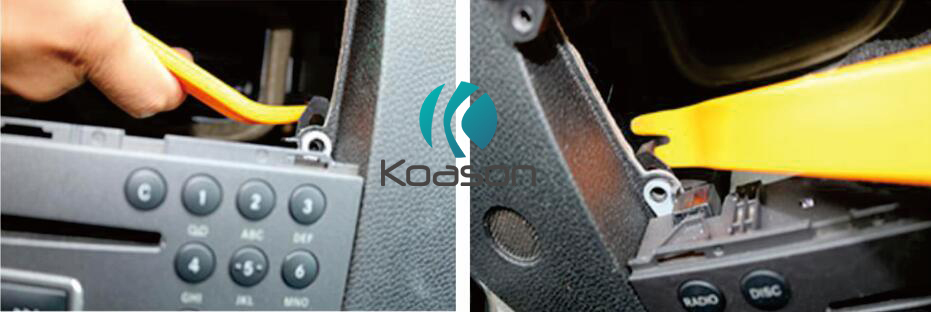
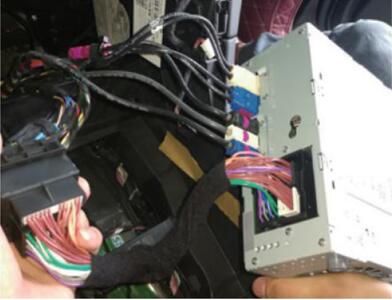
9.Take out the CD 10.Unplug the power cable on CD
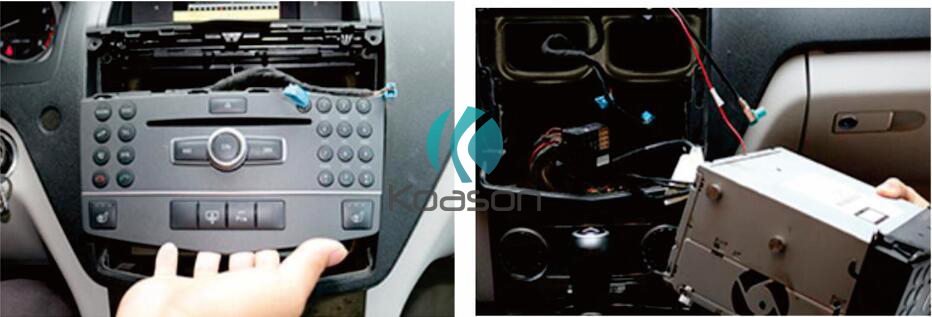
11. Car LVDS plug to LVDS box 12. Car power cable plug to android power cable
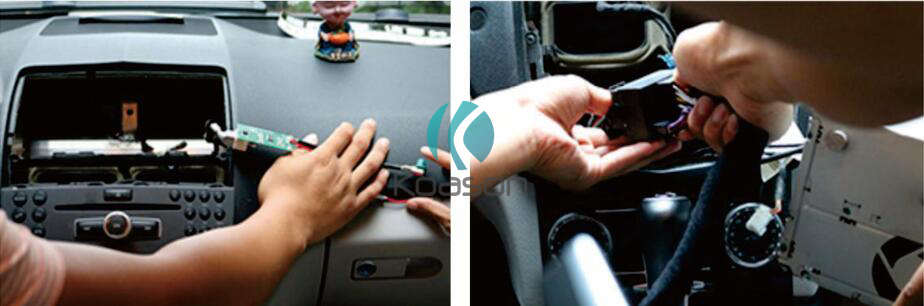
13.Fiber cable switch(from original to android) 14.Plug android cable to CD
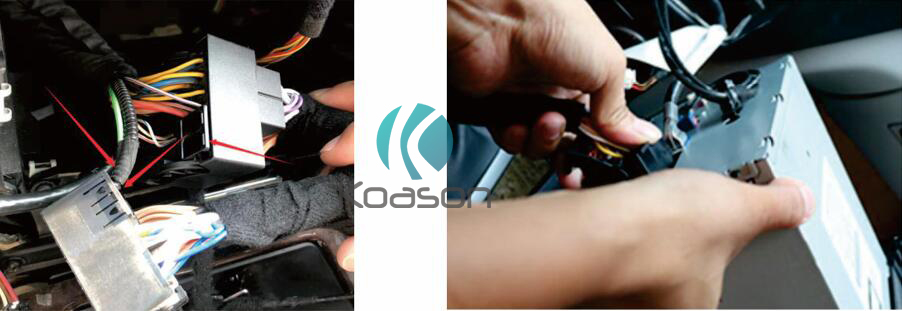
15. Put on our plastic base 16. LVDS plug to android, cables plug to android
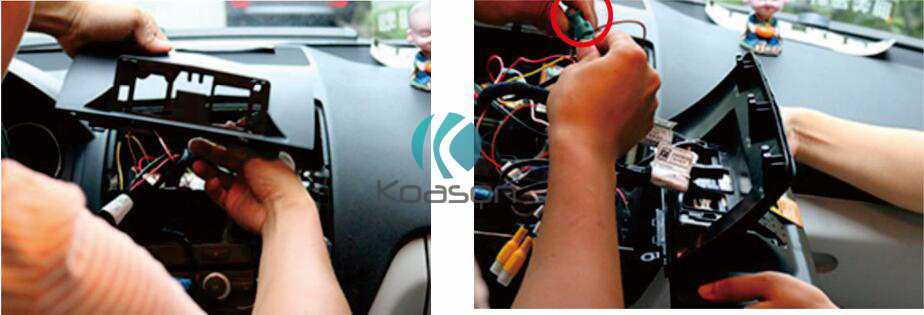
17. Plug AUX/AMI in car port 18. Cables connected ready
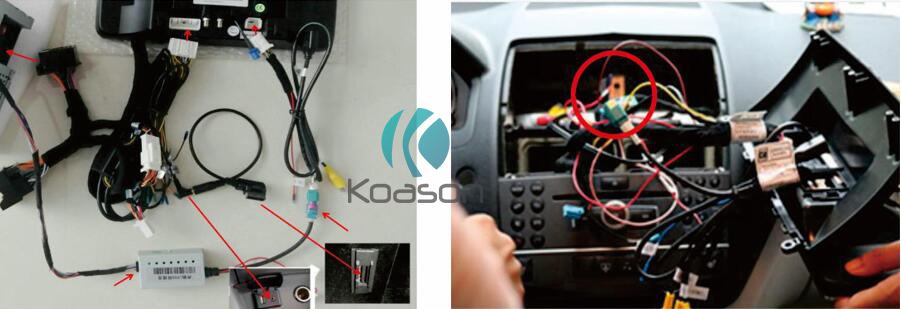
19. Power on, turn on CD,check reverse, radio displayandroid 20. Setting according toinstruction
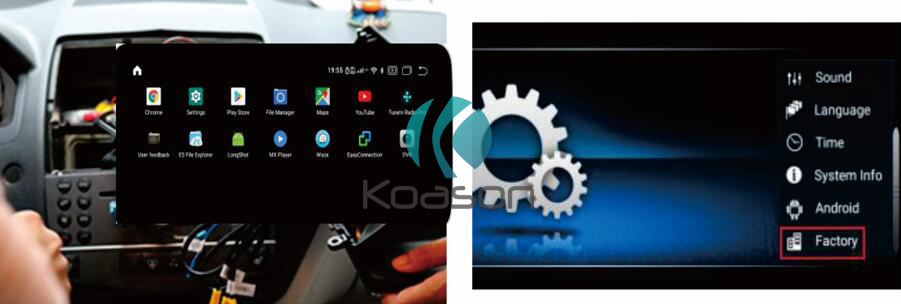
21. Finished, outlook in car.
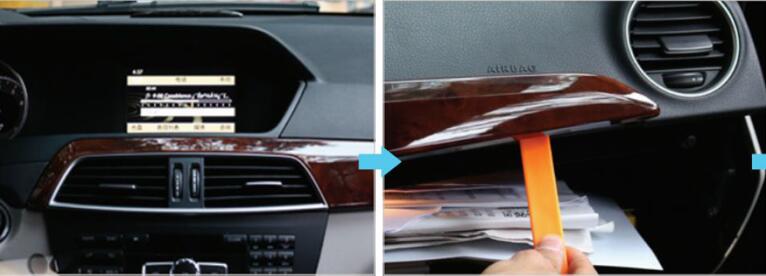
1.Original radio 2.Use crowbar to remove the vent
3. Use small slotted screwdriver,move the Air outlet buckle to the middle
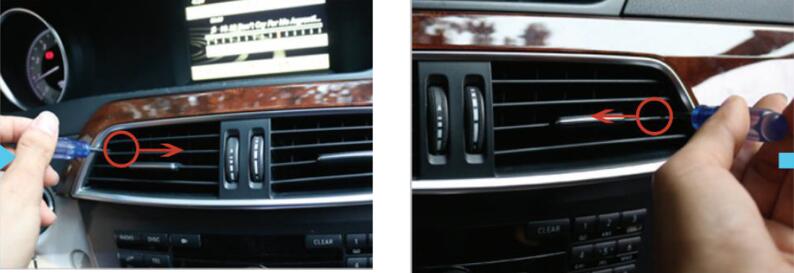
4.Unplug air outlet plug
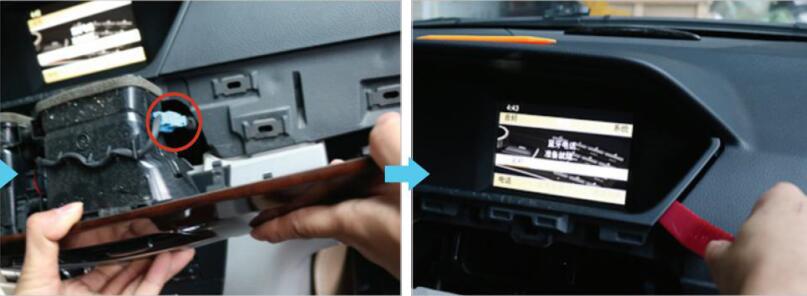
5. Pry the panel frame of monito
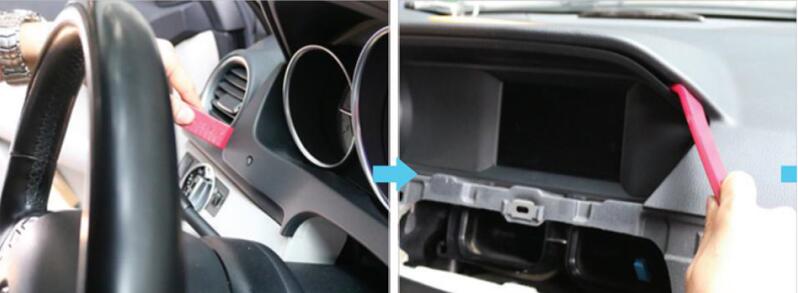
6.Remove the panel of monitor 7.Unscrew the screws on monitor
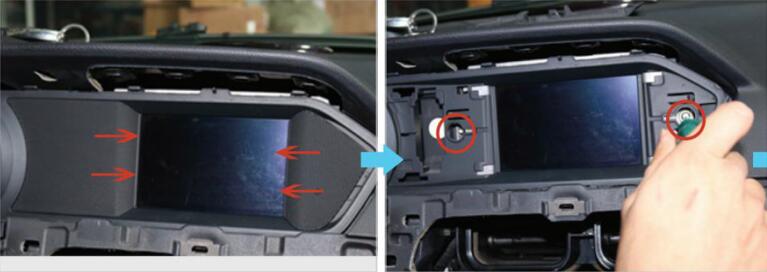
8.Pry the original monitor out
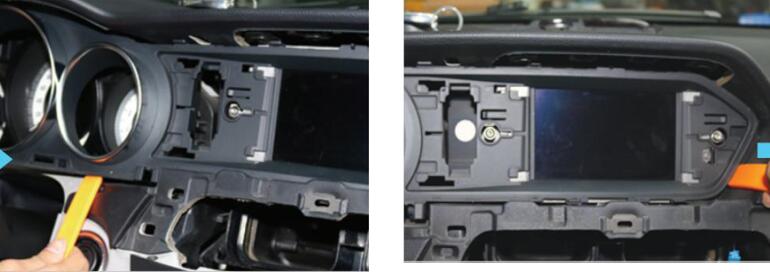
9.Unplug cables behind monitor 10.Remove screws on CD
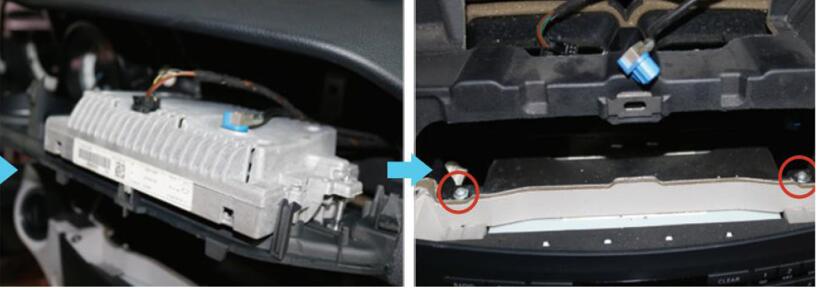
11. Unplug CD plug 12.Take CD out, unplug power cable
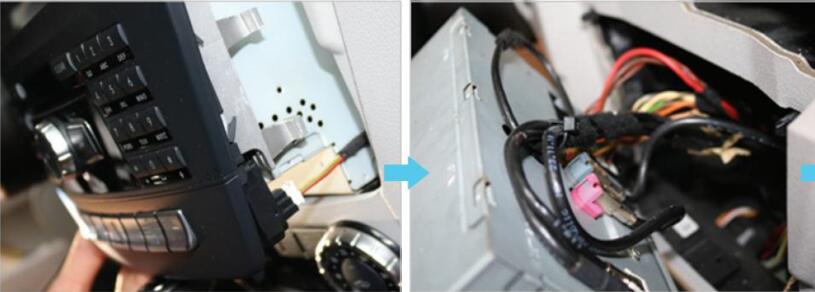
13. Plug LVDS from original monior to android lvds 14. Plug android cable to CD
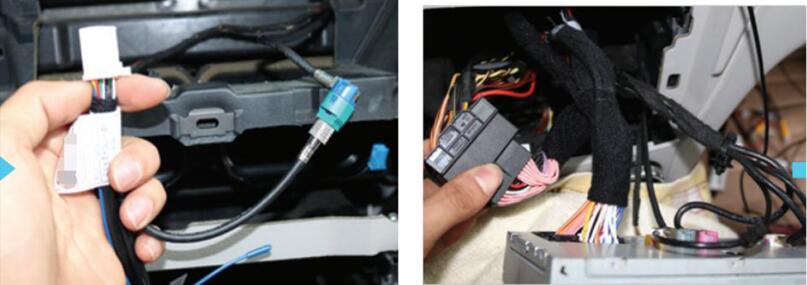
15. Switch fiber cable from original female socket 16.Plug AUX or AMI in car AUX or AMI port
into android male socket
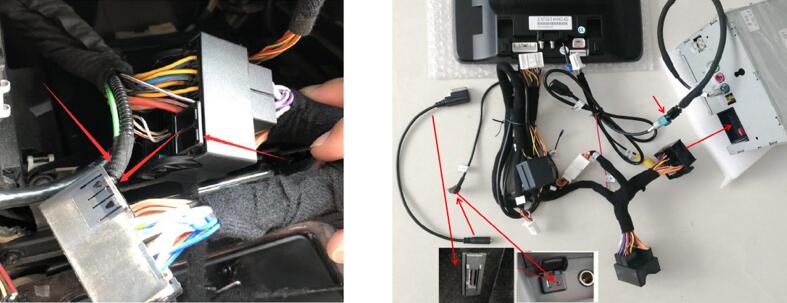
17. After wires are connected, power up car and check 18.Plug all cables back, install 19.Installation finished
android system function and original screen display panel and cover back.