
 [gtranslate]
» Enhance Your BMW Navigation System with Android Auto
When it comes to driving, navigation plays a crucial role in ensuring a smooth and stress-free journey. BMW owners looking to upgrade their navigation system will find that integrating an Android Auto-compatible Koason Android screen can transform their in-car experience. In this article, we will explore how Android Auto enhances your BMW navigation system, providing you with seamless connectivity, real-time updates, and access to a wide range of apps.
1. What is Android Auto?
Android Auto is a mobile app developed by Google that allows users to mirror their Android device’s interface onto a car’s infotainment screen. Through Android Auto, drivers can safely access apps, music, maps, and other functions while on the road. It simplifies the driving experience by minimizing distractions, allowing for hands-free control via voice commands or touch gestures.
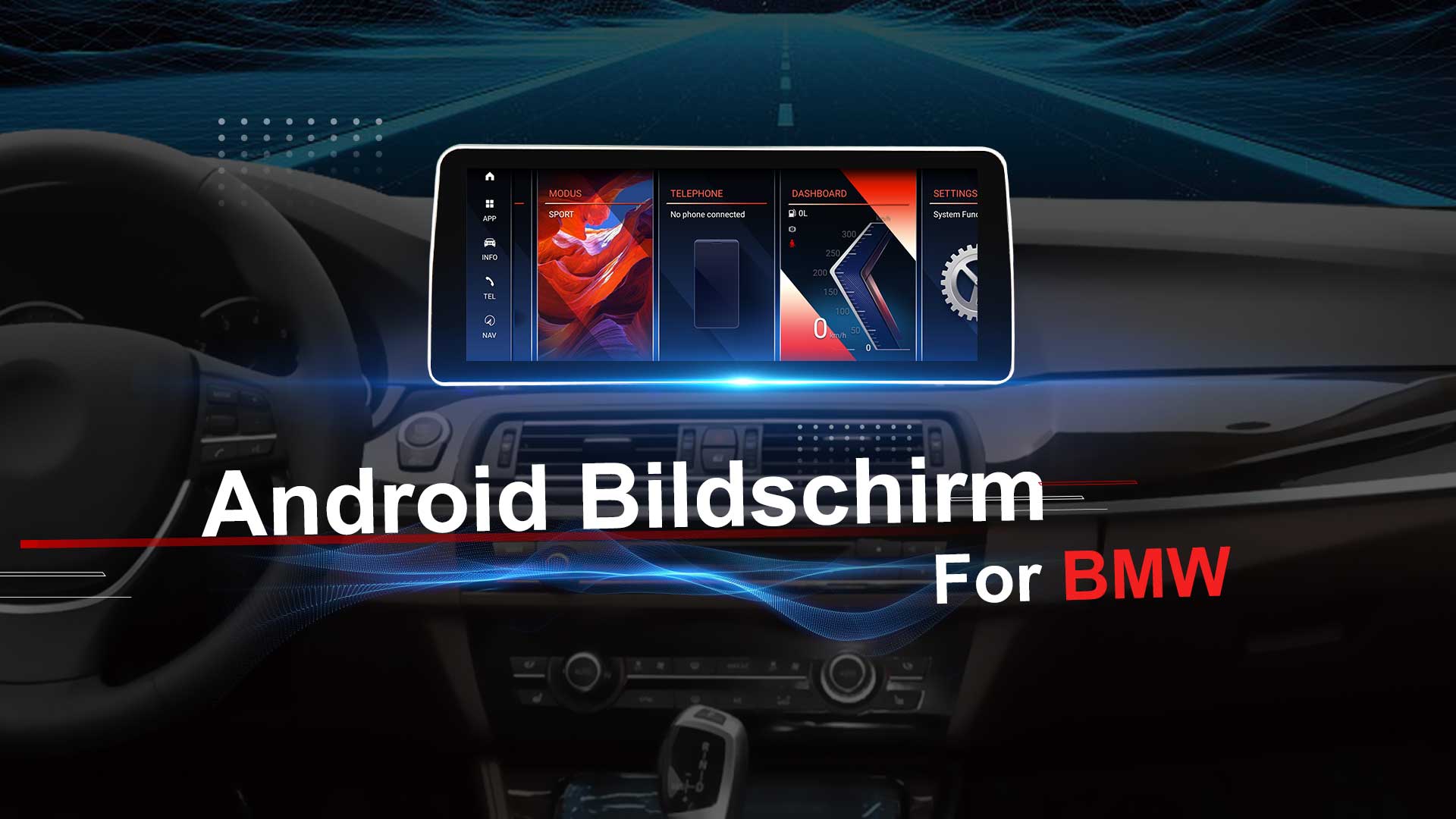
Koason Android screens, designed to be compatible with Android Auto, provide BMW owners with the ability to bring this functionality to their vehicles. With a Koason Android screen installed in your BMW, you can enjoy an enhanced navigation system that’s both intuitive and easy to use.
2. Seamless Integration with Google Maps
One of the key advantages of Android Auto is its seamless integration with Google Maps, a powerful navigation tool widely used by millions of people. Once connected to your Koason Android screen, Google Maps provides real-time, turn-by-turn directions directly on the screen. The integration offers several benefits:
- Real-Time Traffic Updates: Google Maps continuously updates traffic conditions, offering alternate routes to avoid delays, accidents, or road closures.
- Dynamic Rerouting: If you miss an exit or encounter unexpected traffic, Google Maps will quickly reroute you to the best possible route.
- Street View: For easier navigation in complex areas, Google Maps provides Street View, allowing you to get a visual preview of the route ahead.
This integration makes it easier to navigate unfamiliar roads and find your destination without worrying about getting lost.
3. Voice-Activated Navigation
With Android Auto’s voice commands, you can control your BMW’s navigation system without ever taking your hands off the wheel. The Koason Android screen works flawlessly with Google Assistant, enabling you to use voice commands for various tasks, including:
- Asking for directions to a specific address or point of interest.
- Finding the quickest route based on current traffic conditions.
- Checking the estimated arrival time.
- Requesting updates on road conditions, such as construction or accidents.
This hands-free functionality allows you to stay focused on the road while still accessing the information you need, enhancing both convenience and safety.
4. Customizable Navigation Features
Android Auto on your Koason Android screen isn’t just about functionality; it also offers a high degree of customization. You can personalize the navigation interface according to your preferences:
- Alternate Routes: Choose from different routes based on your preferences, such as avoiding tolls or highways.
- Map View Adjustments: Customize the map view to show details such as satellite view, terrain view, or a simplified map to minimize distractions.
- Navigation Alerts: Set up custom alerts for things like speed limits, lane changes, or upcoming turns.
These customization options allow you to tailor the navigation system to your driving style, ensuring a more comfortable and efficient experience.
5. Integration with Other Navigation Apps
While Google Maps is the most widely used navigation app, Android Auto also supports a range of other navigation apps, such as:
- Waze: Known for its community-driven traffic reports, Waze provides real-time updates on accidents, police presence, and other road conditions. It’s especially useful for drivers looking to avoid congested routes and find the fastest way to their destination.
- Sygic: Offering offline maps and GPS navigation, Sygic is ideal for drivers traveling in areas with poor cellular connectivity.
With Android Auto, the Koason Android screen becomes your central hub, allowing you to easily switch between apps based on your needs and preferences.
6. Access to Multiple In-Car Functions
Beyond navigation, Android Auto also provides access to a range of other features that enhance your driving experience. With your Koason Android screen, you can use Android Auto to control the following functions:
- Music and Podcasts: Stream music from apps like Spotify, YouTube Music, or Google Play Music directly to your Koason screen.
- Messaging: Send and receive text messages, WhatsApp messages, and other app notifications using voice commands, reducing the need for manual interaction while driving.
- Calls: Make and receive phone calls hands-free, ensuring you stay focused on the road while staying connected.
By centralizing these features in one easy-to-use interface, the Koason Android screen helps reduce distractions and keeps you focused on the driving experience.
7. Real-Time Updates and Alerts
Android Auto on a Koason Android screen ensures that you have access to real-time updates and alerts while driving. Whether it’s about traffic conditions, road hazards, or weather updates, you can receive the latest information directly on your screen. Some notable features include:
- Traffic Alerts: Stay informed about real-time traffic situations, such as accidents, road closures, and heavy congestion.
- Weather Updates: Get real-time weather alerts and conditions for your route, helping you prepare for unexpected weather changes.
- Safety Alerts: Android Auto can provide notifications related to speed limits, traffic signals, and nearby schools or construction zones, promoting safer driving.
These updates help ensure that you are always informed, allowing you to make quick decisions and adjust your route as necessary.
8. User-Friendly Interface
The Koason Android screen offers a simple and intuitive interface that makes using Android Auto easy and enjoyable. The large touchscreen is responsive, with a sleek design that integrates well into your BMW’s dashboard. The screen layout is designed to minimize distractions, with large icons and clear navigation buttons that make it easy to control apps while driving.
The Android Auto interface is designed to be user-friendly, providing essential information in a clear and easy-to-understand format. Whether you’re following directions or adjusting the volume on your music app, the interface is designed to keep you focused on the road.
With a Koason Android screen integrated into your BMW, the addition of Android Auto takes your navigation system to the next level. Enhanced connectivity, real-time traffic updates, and customizable features all work together to make your driving experience safer and more efficient. Whether you’re navigating unfamiliar roads or seeking the quickest route, Android Auto ensures that you have all the information you need at your fingertips.